
Overview
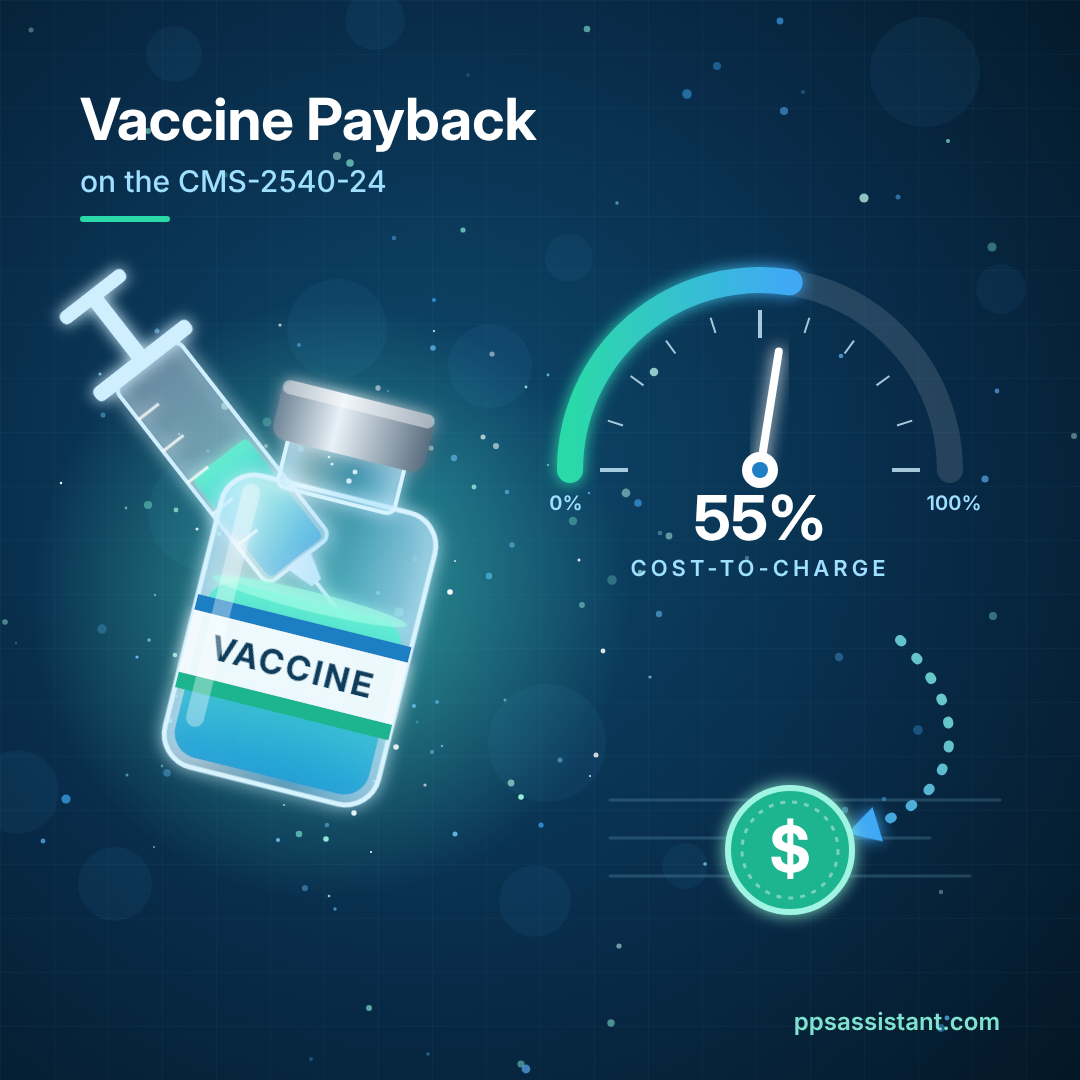
Medicare pays SNFs for preventive vaccines at reasonable cost, not at charges. During the year, Medicare pays vaccine claims as billed (less sequestration). The CMS-2540-24 cost report then trues those payments up to cost. If your vaccine charges are higher than your vaccine costs, the difference comes back to Medicare at settlement.
The vaccines covered are preventive pneumococcal, influenza, hepatitis B, and COVID-19. They are not subject to deductibles or coinsurance. Many facilities are surprised by a vaccine payback even when they spent every dollar they reported. This post explains why it happens and what you can do about it.
How the 2540-24 calculates vaccine reimbursement
The cost report turns your vaccine costs into a cost-to-charge ratio (CCR) and applies it to Medicare’s vaccine charges. The flow runs through five worksheets:
- Worksheet A, line 80 (Preventive Vaccines) – the cost of the vaccines themselves, in column 4 only. Do not include the cost of administering them. Medical supplies used for the vaccines and their administration go on line 60.
- Worksheet B step-down – line 80 picks up its share of overhead (A&G, plant, and so on) based on the B-1 statistics.
- Worksheet C – line 80’s fully allocated cost is divided by total vaccine charges for all payers. That gives the vaccine CCR.
- Worksheet D, line 80, column 7 – Medicare vaccine charges (from the PS&R) times the CCR equals Medicare’s vaccine cost.
- Worksheet E Part B, line 2 – that cost becomes the vaccine reimbursement. It is compared with interim payments received, and the balance due to or from Medicare lands on line 19.
Note that vaccine charges are not part of the lower-of-cost-or-charges test on Worksheet E Part B, line 4. Vaccines are settled at cost.
The key point: Medicare reimburses cost, not profit. A CCR of 100% means you charged exactly what the vaccine cost. Anything under 100% means some of what Medicare paid during the year was markup, and it will be recovered.
A real example
One of our SNF clients recently asked why they owed money back on vaccines they had genuinely paid for. Here is what a similar cost report might show:
| Item | Amount |
|---|---|
| Worksheet C, line 80 cost (after step-down) | $36,300 |
| Worksheet C, line 80 total charges | $66,000 |
| Vaccine cost-to-charge ratio | about 55% |
| Amount due back (Worksheet E Part B, line 19) | $4,851 |
A 55% CCR means that for every dollar charged, 55 cents was cost and 45 cents was markup. Medicare paid the vaccine claims as billed during the year, so it paid about 45% more than cost. The cost report recovers that difference.
The facility did nothing wrong. Its costs and charges were both reported accurately. The payback was simply the markup built into its vaccine charges.
What you can do to maximize vaccine reimbursement
There are only two levers: report more cost, or report lower charges. Both move the CCR toward 100%. Neither should ever be pushed past what your records support.
- Capture every allowable vaccine cost on line 80. Include all pneumococcal, influenza, hepatitis B, and COVID-19 vaccine purchases for the period. Check that vaccine invoices weren’t left in pharmacy, drugs, or supplies. Don’t count vaccines received free from the government.
- Make sure line 80 gets its share of overhead. Line 80 needs proper statistics on Worksheet B-1 for each overhead column. If a statistic is missing, line 80 loses allocated cost and the CCR drops.
- Report Worksheet C charges accurately. Line 80 charges are total vaccine charges for all payers, including Medicare. Include only the vaccine itself, not the administration fee. Overstated charges lower the CCR and increase the payback.
- Price vaccines close to cost going forward. This is the most effective step. When your vaccine charge is near your cost, interim payments are near cost, and there is little or nothing to pay back. Remember that charges must be the same for all payers.
- Plan for the settlement. If you keep your current pricing, estimate the payback during the year: Medicare vaccine payments times (1 minus your expected CCR). That way, the cost report holds no surprises.
If both your costs and charges are already accurate, the payback is correct. It is not lost revenue. It is the markup Medicare never owed you.
Questions?
Need help preparing your SNF cost report or want CMS-approved cost report software? At PPS we have over forty years of cost reporting experience and are happy to share our expertise with you! Contact us now for cost reporting assistance or software.
For information or assistance, we are, as always, here to help! Contact Us via email, website, or call 800-447-2540 for our renowned customer service.
Disclaimer: This blog does not contain legal advice. What it does contain are our best explanations, advice, and suggestions to help facilities and cost report preparers to understand the cost report forms and reporting process and offer suggestions for their preparation. Progressive Provider Services assumes no legal responsibility for the content of this blog, nor for cost reports or other reports prepared based on the content herein.

